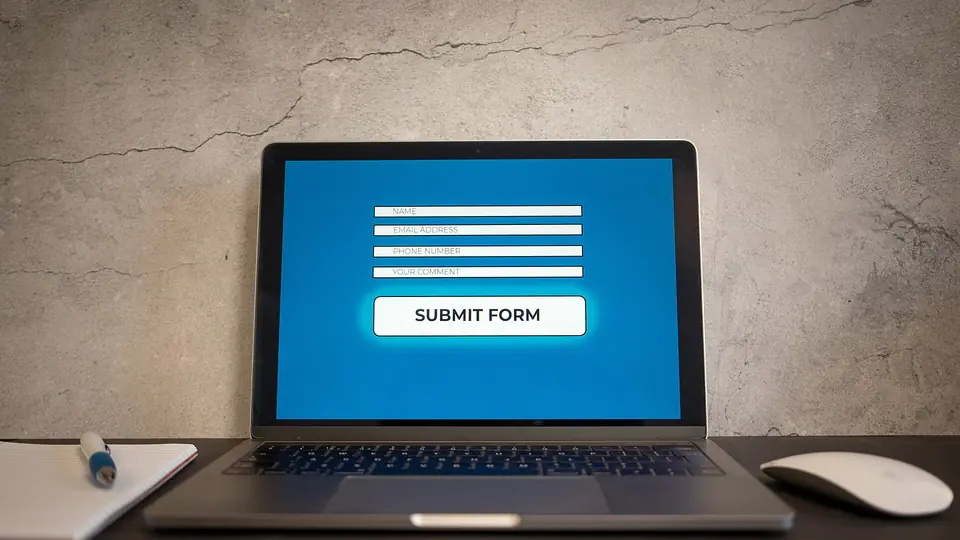
A contact form has one job: turn a hesitant visitor into a message you can answer. Most forms fail at that job for reasons that have nothing to do with design — they ask for too much, promise nothing, and give no sign that a human is on the other end.
If your form gets visits but few submissions, the fix is usually in the words and the field count, not the layout.
Cut the fields to what you will actually use
Every field is a small tax. Each one asks the visitor to decide, remember or look something up, and the chance of abandonment rises with each addition. A form asking for name, company, job title, phone, budget, timeline and "how did you hear about us" is a job application, not a conversation starter.
Start with three: name, email, what do you need. Add a field only when you can name the decision it changes. Phone number is the most common offender — if you will not call people, do not ask.
Say what happens after they press send
The strongest single line on a contact form is a sentence describing the next step: "We reply within one working day with a fixed quote." It answers the quiet question — is anyone there? — and sets an expectation you can keep.
Put it directly above the button, where the eye lands last. Not in a sidebar, not in the footer.
Label the fields in plain language
- "What do you need?" beats "Message"
- "Email" beats "Preferred contact method"
- "Company (optional)" tells people they can skip it
Mark optional fields instead of marking required ones — people assume fields are required unless told otherwise, and "optional" is a small relief.
Write the button as an action
"Submit" describes what the form does to the data. "Send" or "Get a quote" describes what the visitor gets. The button should match the promise in the heading above it, so the whole block reads as one sentence: Tell us what you need → Get a quote.
Make errors impossible to misunderstand
When a form fails, most sites say "Invalid input". That tells the visitor nothing and costs a submission. Be specific and place the message next to the field:
- "Please add an email address we can reply to."
- "That email is missing an @ symbol."
- "This box is for the message — a sentence is enough."
Keep whatever they typed. Clearing a form on error is the fastest way to lose a lead who was already halfway out.
Test on a phone, with one hand
Most submissions come from phones. Three things break there more than anywhere else: input types, keyboard choices and button size.
- Use
type="email"andtype="tel"so the right keyboard opens. - Set
autocompleteon name and email so the browser can fill them. - Make the button at least 44 pixels tall and full width on small screens.
- Never put two fields side by side on a narrow screen.
Answer the trust question before it is asked
People hesitate to type their email into an unfamiliar site. A short line under the form helps: "We use your details only to reply to this enquiry. No list, no sharing." If you have a privacy policy, link it — but the sentence does more work than the link.
If the form is the only way to reach you, that is itself a trust problem. Add an email address or a phone number somewhere visible for people who would rather not fill in a box.
Stop the spam without adding friction
Honeypot fields and rate limits catch most bots without a CAPTCHA. A hidden field that humans never see, plus a limit of a few submissions per hour per IP, is usually enough. CAPTCHAs reduce real submissions too, so keep them as a last resort.
Whatever you add, make sure a failed check still leaves the typed message intact.
Measure the two numbers that matter
- Visits to the contact page — if this is low, the problem is elsewhere on the site.
- Submissions per hundred visits — if this is low, the problem is the form itself.
Read the actual messages. If people ask questions the page already answers, the page is not doing its job; if they ask about price and you never show one, the form is compensating for a missing pricing page.
Checklist
- Three fields, plus any you can justify with a decision
- Next-step sentence directly above the button
- Plain labels, optional fields marked
- Button text matches the promise of the heading
- Specific error messages, typed content preserved
- Correct input types, autocomplete and a 44px button on mobile
- One-line privacy reassurance, plus a visible alternative contact route
- Honeypot and rate limit instead of a CAPTCHA
Forms sit at the end of a long chain of copy. If people arrive unsure what you sell, no form will save the page — that work belongs in the service page and in the call to action above it.